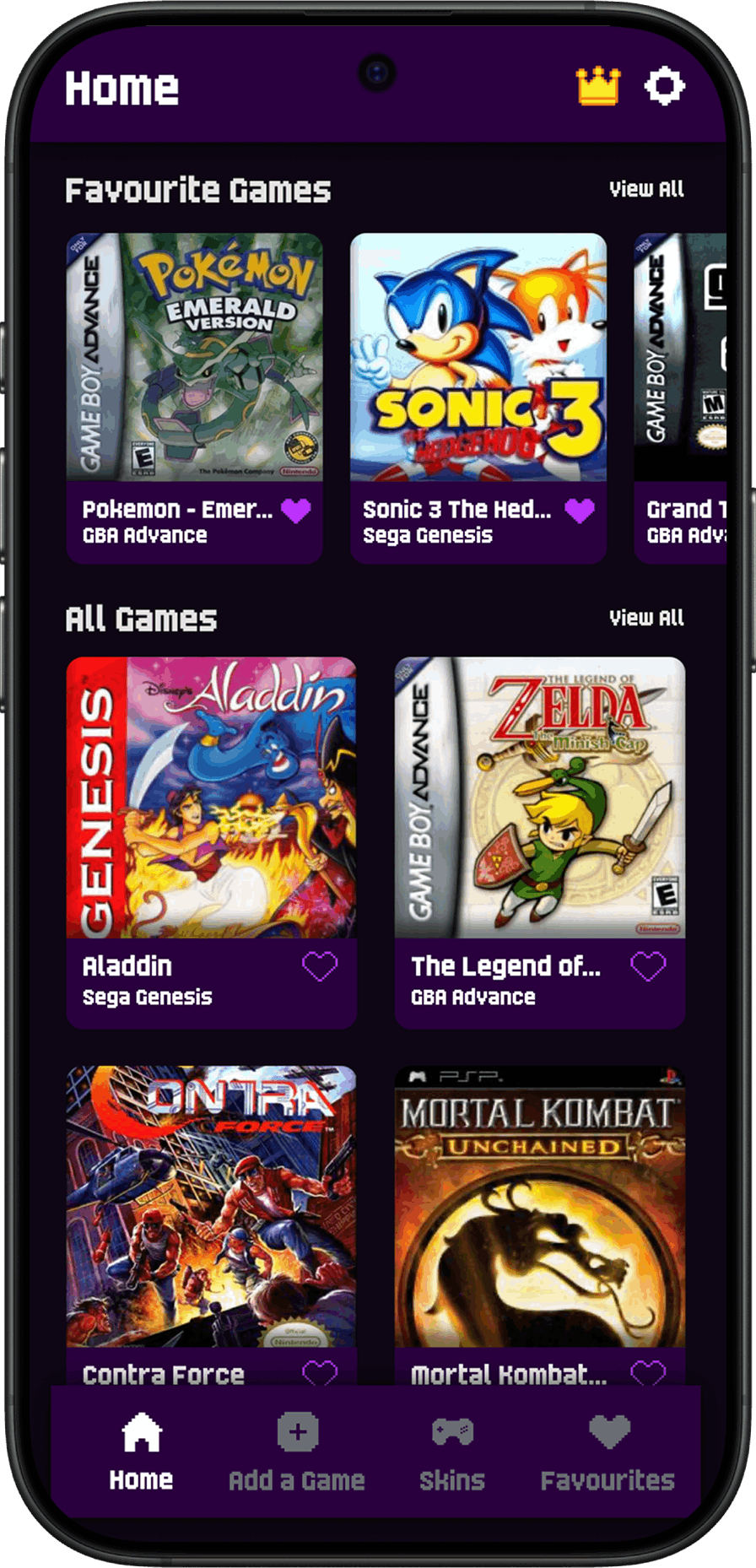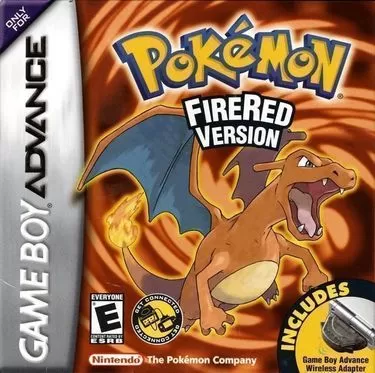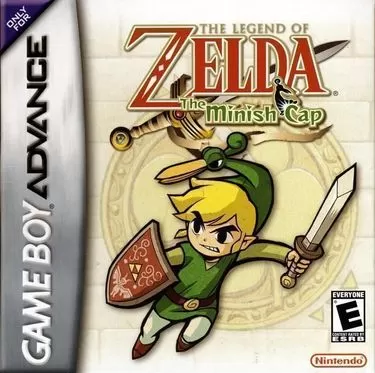





What Is a GBA Emulator?
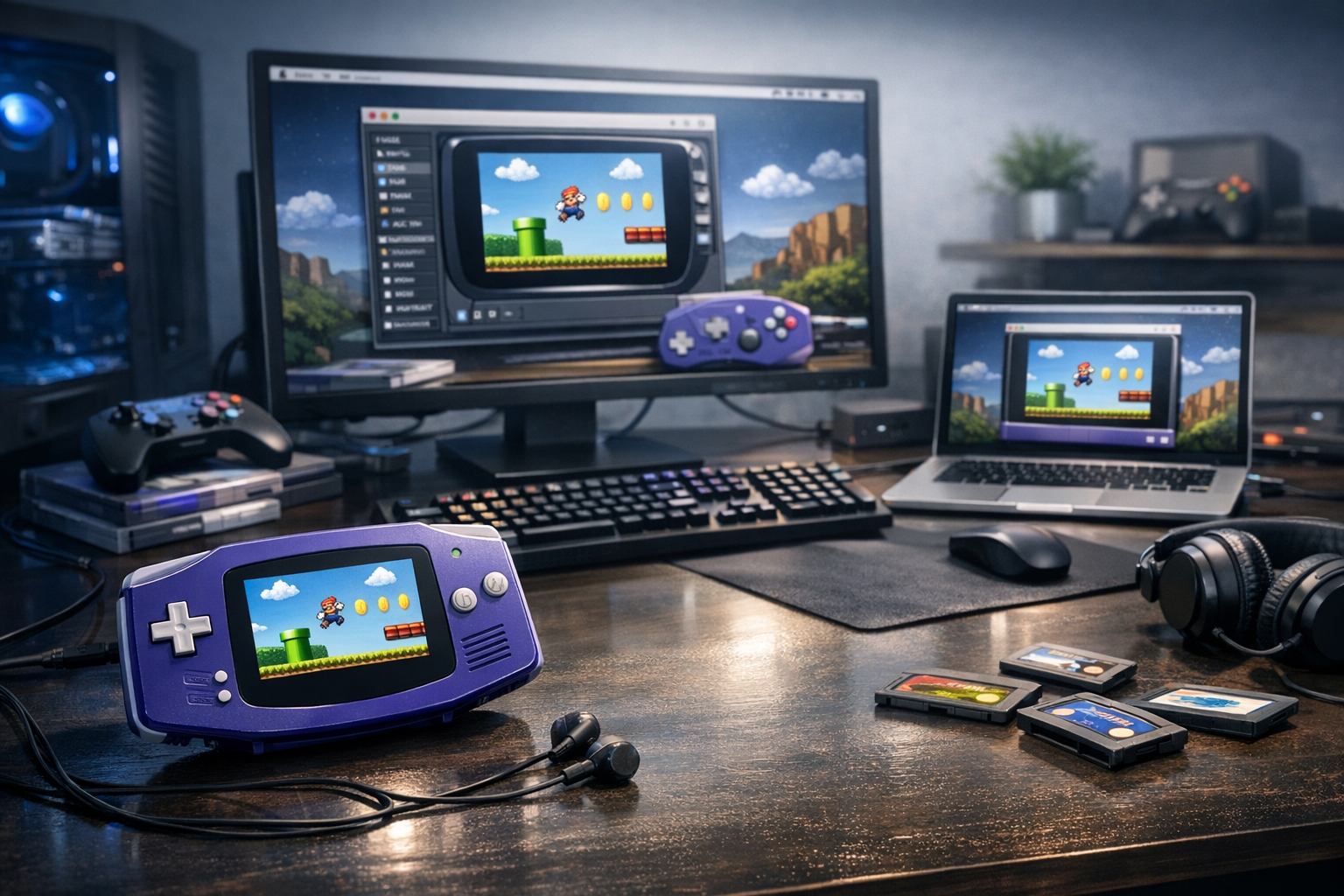
A GBA emulator is a software program that replicates the hardware behavior of Nintendo's Game Boy Advance (released March 2001 in Japan) on another device — PC, Mac, Linux, Android, iOS, or even modern web browsers — allowing users to run GBA ROM files as if they were running on original 32-bit handheld hardware. The best emulators reproduce the ARM7TDMI CPU, audio mixing, sprite engine, and timing with near 100% accuracy.
Emulation works by simulating the GBA's internal components in software: the 16.78 MHz ARM7TDMI processor, 32 KB internal WRAM, 256 KB external WRAM, 96 KB VRAM, and the system's two background layer modes (tile-based modes 0–2 and bitmap modes 3–5). Quality emulators interpret or recompile ARM and Thumb instructions in real time, blit the 240×160 framebuffer to your display at 59.7275 Hz, and resample the GBA's 6-channel audio (4 PSG channels plus 2 Direct Sound channels) to modern 44.1 kHz or 48 kHz output.
Unlike simple ROM players, modern GBA emulators add quality-of-life features: save states, fast-forward, rewind, cheat code support (GameShark, CodeBreaker, Action Replay), high-resolution scaling shaders, and link cable emulation for multiplayer titles like Pokémon Ruby/Sapphire trading.
The Best GBA Emulators in 2025 Compared
The top GBA emulators in 2025 are mGBA (highest accuracy, cross-platform), VisualBoyAdvance-M (long-standing classic), No$GBA (excellent for DS hybrid use and debugging), RetroArch with mGBA or gpSP cores (best for unified frontends and shaders), and Delta on iOS. For Android, John GBA, My Boy!, and Pizza Boy GBA dominate the market.
| Emulator | Platforms | Accuracy | License | Best For |
|---|---|---|---|---|
| mGBA | Win/Mac/Linux/Wii U/3DS/Switch | Excellent | MPL 2.0 | Most users |
| VBA-M | Win/Mac/Linux | Good | GPL v2 | Legacy compatibility |
| No$GBA | Windows | Very good | Freeware | DS+GBA, homebrew dev |
| RetroArch (mGBA) | Everything | Excellent | GPL v3 | Shaders, netplay |
| Delta | iOS/iPadOS | Very good | Free | iPhone/iPad users |
| My Boy! | Android | Excellent | Paid | Android performance |
| Pizza Boy GBA | Android | Excellent | Freemium | Modern Android UI |
Why mGBA Dominates
Developed by endrift (Vicki Pfau) since 2013, mGBA became the de facto reference emulator after the original VisualBoyAdvance project stagnated in 2004. Version 0.10.x (released 2023–2024) supports e-Reader card scanning, GameCube–GBA link cable emulation for titles like Final Fantasy Crystal Chronicles, hardware-accurate solar sensor simulation (Boktai), gyroscope and tilt sensors (WarioWare Twisted), and the rumble motor used in Drill Dozer.
How to Set Up a GBA Emulator: Step-by-Step
To set up a GBA emulator, download the official build from the developer's site, extract it to a permanent folder, dump or legally obtain your GBA ROM files in .gba or .zip format, then open the ROM via File → Open ROM. Configure controls under Settings → Input, and enable the optional BIOS file (gba_bios.bin, 16 KB, SHA-1: 300c20df6731a33952ded8c436f7f186d25d3492) for maximum accuracy.
Detailed Installation Walkthrough (mGBA on Windows)
- Visit mgba.io and download the latest stable Windows 64-bit build (approximately 6 MB).
- Extract the .7z archive to C:\Emulation\mGBA\ using 7-Zip or WinRAR.
- Launch mGBA.exe. Windows SmartScreen may warn — click "More info" then "Run anyway" because the binary is not code-signed.
- Navigate to Tools → Settings → BIOS, and point mGBA to your gba_bios.bin file. Enable "Use BIOS file if found."
- Under Settings → Audio/Video, set the sample rate to 48 kHz and enable VSync for tear-free output.
- Configure a gamepad via Settings → Input. Xbox, DualSense, and 8BitDo controllers are auto-detected.
- Open File → Load ROM and select your .gba file. The game should boot within 2 seconds.
Recommended First-Time Settings
- Video scale: 4x or 5x integer scaling for sharp pixels on 1080p/1440p displays.
- Shader: AGB001 LCD shader to reproduce the original screen's color saturation and ghosting.
- Audio: Sample interpolation set to "Cosine" for the smoothest sound without CPU overhead.
- Save type: Leave on "Autodetect" — mGBA reads game databases to assign the correct EEPROM/Flash/SRAM type.
BIOS Files: Why They Matter
The GBA BIOS is a 16 KB firmware ROM stored inside the original handheld that handles boot logos, SWI software interrupts, decompression routines, and arithmetic helpers. Most modern emulators include a high-level emulation (HLE) BIOS replacement, but the official BIOS produces pixel-perfect accuracy in games that rely on SWI calls — including the Pokémon trading routines and the Golden Sun password screens.
Distributing the official BIOS is copyright infringement, so users must dump it from their own GBA hardware using tools like GBA BIOS Dumper on a flashcart. Once dumped, the file is universal across all emulators that accept it.
Compatibility and Accuracy
mGBA achieves roughly 99% compatibility across the GBA's official library of approximately 1,538 commercial titles, with all mainstream Nintendo, Capcom, Konami, and Square Enix games running flawlessly. Edge cases involve rare accessories: e-Reader strip scanning, Boktai's solar sensor, the Play-Yan media adapter, and the Mobile Adapter GB used only in Japan.
Famously Tricky Games
- Boktai trilogy (Konami): Requires solar sensor emulation, which mGBA, No$GBA, and VBA-M now support through keyboard toggles.
- WarioWare: Twisted!: Uses a gyroscope and rumble pak built into the cartridge. mGBA emulates both.
- Drill Dozer: Cartridge contains a rumble motor — mGBA maps rumble to gamepad vibration.
- Pokémon Ruby/Sapphire (early prints): Real-time clock for berry growth requires RTC emulation, enabled by default in modern builds.
- Classic NES Series: Anti-piracy checks broke older emulators; mGBA 0.7+ patched the issue.
Performance Requirements
GBA emulation is extremely lightweight by 2025 standards — virtually any device built after 2010 runs it at 100% speed. A 1.5 GHz dual-core CPU and 512 MB RAM suffice for full-speed emulation, while modern smartphones can push 10x fast-forward without dropping frames.
| Device Class | Performance |
|---|---|
| Raspberry Pi Zero 2 W | Full speed with shaders |
| Mid-range Android (Snapdragon 6-series) | 20x+ fast-forward |
| iPhone 12 and newer | Effortless full speed |
| Steam Deck | Full speed + 4K shaders + netplay |
| Modern Windows PC | No measurable load |
Save States vs. In-Game Saves
Save states are emulator-level snapshots of the entire RAM, registers, and hardware state, while in-game saves write to the cartridge's battery-backed SRAM, EEPROM, or Flash memory exactly as the original game intended. Use in-game saves for portability between emulators; use save states for instant recovery during difficult sections.
The GBA used three save chip types: 64 KB Flash (most Pokémon games), 8 KB EEPROM (small games), and 32–256 KB SRAM. Emulators store these in .sav files that can be transferred to real hardware via flashcarts like the EZ-Flash Omega or EverDrive GBA X5.
Link Cable and Multiplayer Emulation
Link cable emulation lets you trade Pokémon, battle in Mario Kart Super Circuit, or play Four Swords by connecting two emulator instances over LAN or the internet. mGBA supports both local multi-instance linking and netplay through RetroArch's lobby system.
How to Trade Pokémon Between Two mGBA Instances
- Launch two copies of mGBA simultaneously.
- In each instance, go to Tools → Multiplayer → Start Multiplayer Server (instance 1) and Connect (instance 2).
- Load Pokémon Emerald in one window and Pokémon FireRed in the other.
- Walk into a Pokémon Center, enter the Union Room, and trade as you would on real hardware.
Common Mistakes and Troubleshooting
The most frequent issues new users encounter are missing BIOS files, incorrect save type detection, low audio sample rates causing crackling, mismatched ROM regions, and outdated emulator builds that lack patches for problematic titles. Most are fixed within minutes by checking settings.
- Black screen on boot: The ROM is likely a multiboot demo or trimmed incorrectly. Re-dump or download a verified No-Intro set hash match.
- Game freezes when saving: Save type misdetected. Manually set to 128K Flash for Pokémon games.
- Choppy audio: Disable VSync or raise audio buffer size from 1024 to 2048 samples.
- Controller input lag: Switch from XInput to DirectInput, or enable "Run-ahead" frames in RetroArch (1–2 frames typical).
- Garbled graphics in mode 7 games: Update to the latest mGBA — affine transformation accuracy has improved across versions.
Legal Considerations
Emulator software itself is legal in the United States, the EU, and most jurisdictions following the 2000 Sony v. Connectix and Sony v. Bleem rulings, which established that clean-room reverse engineering is protected. ROMs, however, are copyrighted — downloading games you do not own is copyright infringement, regardless of whether the game is commercially available.
Legal paths to GBA play include dumping your own cartridges using a GB Operator (Epilogue, $50) or GBxCart RW (insideGadgets, $40), purchasing Nintendo Switch Online's Expansion Pack which streams a curated GBA library since February 2023, or buying homebrew games still sold by indie developers.
Advanced Features for Power Users
Power users leverage scripting, debugging, and TAS (tool-assisted speedrun) capabilities built into modern emulators. mGBA includes a Lua scripting engine, a full ARM/Thumb disassembler, memory viewer, palette inspector, sprite tile viewer, and a logging system for reverse engineers and ROM hackers.
ROM Hacking Workflow
Tools like HxD (hex editor), Tile Layer Pro, Advance Map for Pokémon games, and Sappy for music ripping pair with mGBA's debugger to allow community translation patches and total conversions. The Pokémon ROM hacking scene alone has produced over 2,000 fan games, including critically praised hacks like Pokémon Radical Red and Pokémon Unbound.
GBA Emulation on Mobile Devices
On Android, Pizza Boy GBA Pro and My Boy! Pro deliver console-perfect emulation with hardware controller mapping, Google Drive cloud saves, and gyroscope passthrough for tilt-sensor games. On iOS, Delta — released to the App Store on April 17, 2024 after Apple's regulatory change — provides free, ad-free GBA emulation alongside NES, SNES, N64, and DS support.
Touchscreen controls remain the biggest weakness for action games; pairing a Backbone One, Razer Kishi, or 8BitDo SN30 Pro controller transforms the experience to match handheld feel.
Frequently Asked Questions
Is using a GBA emulator legal?
Yes, GBA emulators themselves are legal software in the United States, United Kingdom, Canada, Australia, and most of the EU. Court precedents like Sony v. Connectix (2000) confirmed that emulators created through clean-room reverse engineering do not infringe copyright. The legal gray area concerns ROM files: downloading commercial games you do not own is copyright infringement, while dumping ROMs from cartridges you legally own falls into a region-dependent fair use space.
What is the most accurate GBA emulator?
mGBA is widely considered the most accurate GBA emulator available, surpassing VisualBoyAdvance and matching the cycle-accurate reference set by higan/ares for compatibility. Its lead developer Vicki Pfau has spent over a decade refining timing, audio mixing, and edge-case hardware emulation including the GBA's solar sensor, gyroscope, rumble, real-time clock, and link cable behavior. For 99% of users, mGBA is the recommended choice on every supported platform.
Do I need the GBA BIOS file to play games?
No, modern emulators like mGBA and VBA-M include high-level emulation (HLE) replacements for the GBA BIOS that work for the vast majority of titles. However, providing the real 16 KB BIOS dump improves accuracy for specific games — particularly the Pokémon trading sequences, Golden Sun's password generator, and certain homebrew demos that call low-level SWI functions. The BIOS must be dumped from hardware you own, not downloaded.
Can I play GBA games online with friends?
Yes, link cable emulation enables online multiplayer for GBA titles. RetroArch with the mGBA core supports netplay through its lobby system, while standalone mGBA allows direct TCP/IP connections between two or more instances. Compatible games include Pokémon (trading and battling), Mario Kart Super Circuit, The Legend of Zelda: Four Swords, and Final Fantasy VI Advance. Latency must remain under roughly 100 ms for smooth gameplay.
What's the difference between save states and battery saves?
Save states are emulator-specific snapshots that capture the entire system memory and CPU state, letting you resume from any exact moment — even mid-frame during a boss attack. Battery saves (.sav files) replicate the cartridge's internal save chip and are how the game itself stores progress when you select "Save" in the menu. Battery saves transfer between emulators and even to real hardware via flashcarts, while save states usually do not.
Why do some Pokémon games show "the save file has been erased" in emulators?
This error occurs when the emulator misdetects the save chip type — Pokémon Ruby, Sapphire, Emerald, FireRed, and LeafGreen all use 128 KB Flash memory, not the smaller EEPROM or SRAM types. Modern mGBA versions auto-detect correctly via game database lookups, but older emulators or non-standard ROM dumps may require manually setting "Save type: Flash 128K" in the override menu before loading the game.
Can I transfer my emulator saves to a real Game Boy Advance?
Yes, .sav files generated by mGBA, VBA-M, and other emulators are byte-compatible with flashcarts like the EZ-Flash Omega Definitive Edition, EverDrive GBA X5, and original cartridges via a GB Operator or GBxCart RW. You may need to resize the file to match the cartridge's save chip (often 64 KB or 128 KB) and occasionally byte-swap depending on the cart. The reverse — dumping cartridge saves to emulator — works identically.
What hardware do I need to dump my own GBA ROMs?
The most popular dumpers in 2025 are the GB Operator from Epilogue ($50, USB-C, drag-and-drop interface), the GBxCart RW v1.4 Pro from insideGadgets ($40, open-source firmware), and the older but reliable Joey-Joebags. All three accept original GBA, GBC, and Game Boy cartridges and produce verified No-Intro hash-matching dumps in under two minutes per cartridge, including save file backup.