




What Is the Best GBA Emulator App for iPhone?
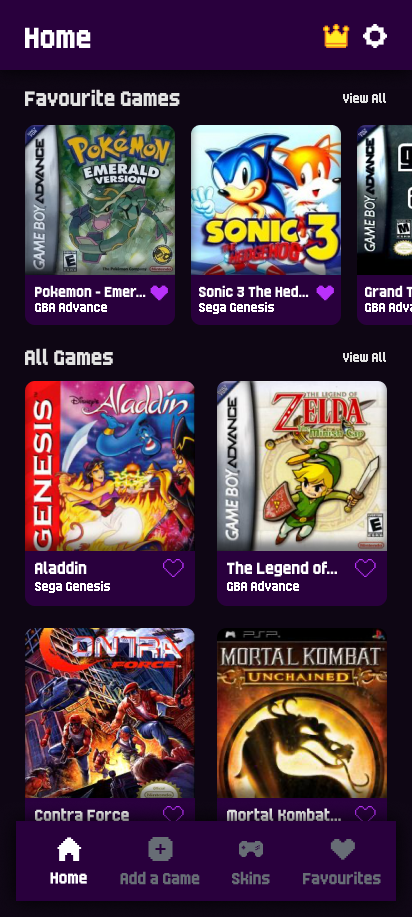
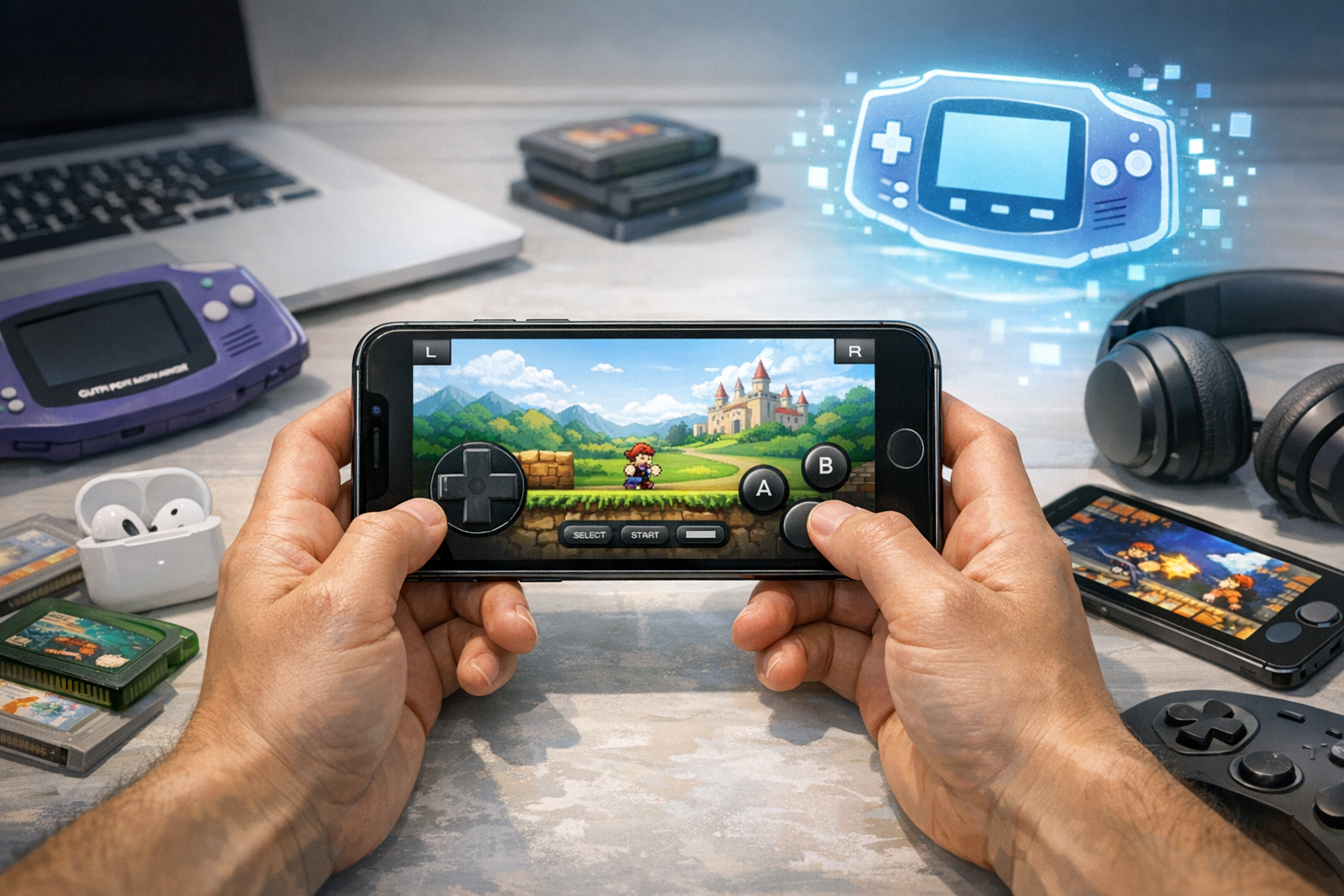
The best GBA emulator app for iPhone in 2025 is Delta, a free, multi-system emulator available directly on the Apple App Store. It supports Game Boy Advance, GBC, GB, NES, SNES, N64, and DS, offers iCloud sync, controller support, and cheat codes, and runs natively on iOS 14 and later without sideloading.
Top GBA Emulator Apps for iPhone Compared
Since Apple updated its App Store guidelines in April 2024 to allow retro game emulators, several legitimate options have emerged. Delta leads the pack, but Provenance, RetroArch, and Gamma also compete strongly depending on your needs.
| Emulator | Price | Install Method | Best For |
|---|---|---|---|
| Delta | Free | App Store | Most users; clean UI |
| RetroArch | Free | App Store | Advanced configuration |
| Provenance | Free | Sideload (AltStore) | Multi-console fans |
| Gamma | Free (ads) | App Store | PS1, limited GBA |
| GBA4iOS | Free | Sideload | Legacy users only |
Why Delta Is the Top Choice
Delta, developed by Riley Testut, became the first major emulator approved on the App Store in April 2024. It combines polish, performance, and breadth of features in a way no other free iOS emulator currently matches.
- Native App Store install: No sideloading, no expiring certificates, no AltStore required.
- Multi-system support: GBA, GBC, GB, NES, SNES, N64, and Nintendo DS in one app.
- iCloud and Google Drive sync: Save files and states sync across iPhone and iPad.
- Controller support: Works with MFi controllers, Xbox Series X/S, PS4, PS5, and Joy-Cons.
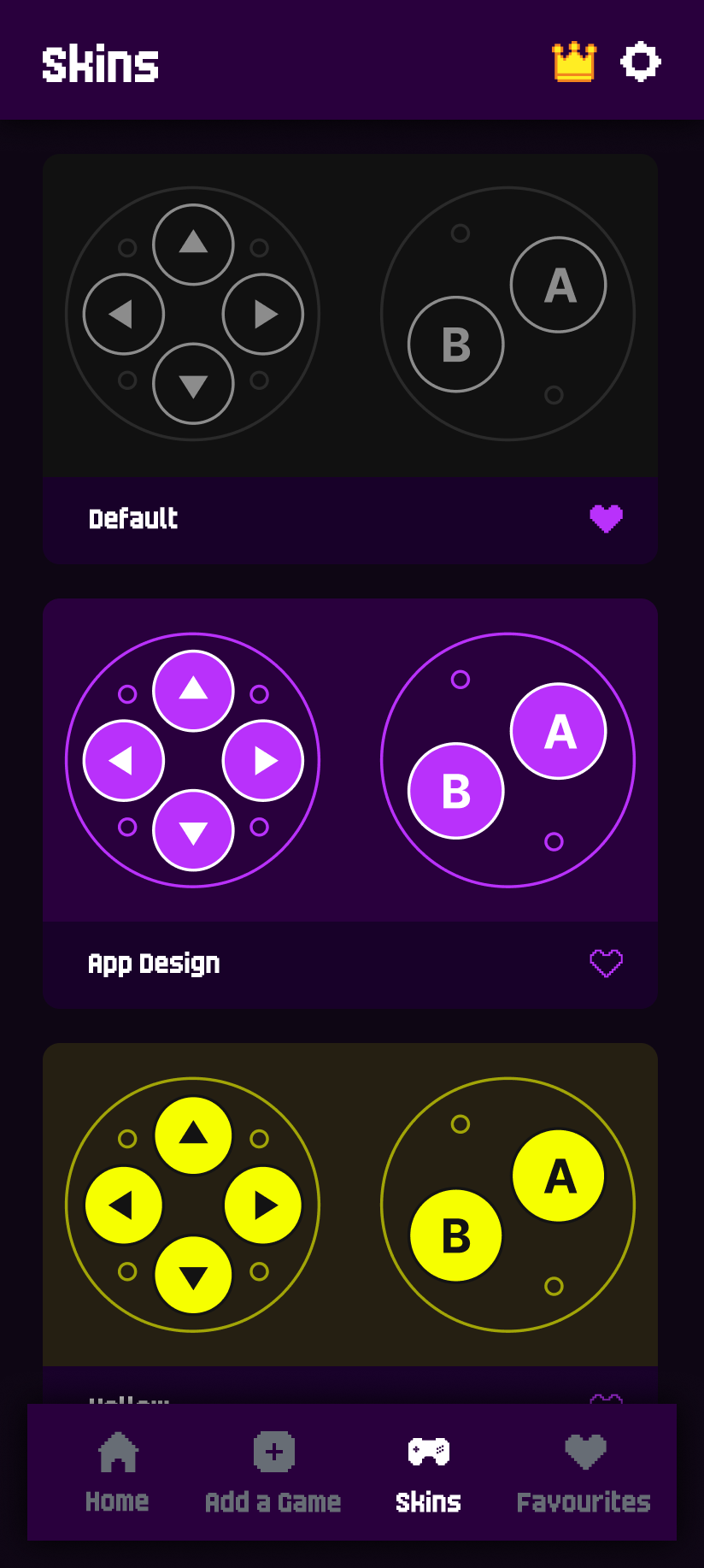
- Custom skins and layouts: Hundreds of community-made skins for portrait and landscape.
- Cheat codes: Supports Game Genie, GameShark, and Action Replay formats.
- Fast forward and save states: Standard emulator quality-of-life features built in.
RetroArch: The Power-User Alternative
RetroArch is a free, open-source frontend that runs dozens of emulator cores, including mGBA and VBA-M for Game Boy Advance. It is more complex than Delta but offers deeper customization, shaders, and netplay.
RetroArch landed on the App Store in mid-2024. Its interface has a steep learning curve, but for users who want to tweak rewind buffers, run CRT shaders, or use multiple cores, it remains unmatched. Performance on GBA titles is excellent on any iPhone from the XS forward.
Provenance: For Sideloaders With Big Libraries
Provenance supports more systems than Delta, including PlayStation 1, Sega Genesis, Atari, and TurboGrafx-16, alongside GBA. However, it is not on the App Store and requires sideloading via AltStore, Sideloadly, or a paid developer account.
Setup takes 15–30 minutes, and apps signed with free Apple IDs expire every seven days. AltStore PAL (in the EU) and AltStore Classic automate re-signing if your device stays on the same Wi-Fi network as a computer running AltServer.
Gamma and GBA4iOS: Niche Options
Gamma is mainly a PlayStation 1 emulator but added limited GBA support. It is ad-supported and lacks Delta's polish, so most users should skip it for GBA specifically. GBA4iOS, the original 2014 emulator, still works through sideloading but is no longer actively maintained and lacks modern controller and sync features.
How to Install Delta on iPhone
Installing Delta takes under two minutes and requires no jailbreak or sideloading tools. The app is fully native to iOS.
- Open the App Store on your iPhone running iOS 14.0 or later.
- Search for "Delta - Game Emulator" by Riley Testut.
- Tap Get and authenticate with Face ID, Touch ID, or your Apple ID password.
- Launch Delta and tap the + icon to import GBA ROM files (.gba) from the Files app, iCloud Drive, or a URL.
- Optional: Enable Settings > Syncing to back up saves to iCloud or Google Drive.
Where to Get GBA Games Legally
Emulators are legal on iOS, but ROM distribution generally is not. You should only load Game Boy Advance ROMs of games you legally own, typically by dumping a personal cartridge using a device like the GBxCart RW. Nintendo has not authorized any free ROM distribution sites, and downloading ROMs you do not own may violate copyright law in your country.
Performance and Compatibility
Any iPhone released since 2018 (iPhone XS or newer) runs GBA games at full speed, including demanding titles like Golden Sun: The Lost Age, Mother 3, and Pokémon Emerald. Battery drain during GBA emulation in Delta is roughly 8–12% per hour at default brightness, comparable to streaming video.
For controller play, the Backbone One, GameSir X2, and 8BitDo SN30 Pro pair instantly with Delta and RetroArch via MFi or Bluetooth. Touch controls are sufficient for most GBA games but can feel cramped during action titles.
Frequently Asked Questions
Is Delta really free with no ads?
Yes. Delta is completely free and contains no advertisements. The developer accepts optional Patreon contributions for early access to beta features like online multiplayer, but the App Store version is fully functional at no cost.
Are GBA emulators legal on iPhone?
Yes. Apple updated its App Store Review Guidelines in April 2024 to explicitly permit retro game console emulators worldwide. The emulator software itself is legal; only the ROMs you load may carry copyright restrictions depending on how you obtained them.
Can I transfer my saves from GBA4iOS or my old emulator to Delta?
Yes. Delta accepts standard .sav save files used by most GBA emulators. In Delta, long-press a game, choose Change Save File, and select the imported .sav from the Files app. Save states are emulator-specific and usually cannot transfer between apps.
Does Delta support multiplayer or link cable features?
Local link cable emulation is not currently supported in the public release of Delta. Online multiplayer for supported systems is in beta for Patreon backers as of 2025. RetroArch offers netplay for some GBA cores but setup is technical.
Will GBA emulators slow down my iPhone or drain the battery?
No noticeable slowdown occurs on any iPhone from the XS forward, since GBA hardware is far less demanding than modern iOS apps. Battery use is moderate, typically 8–12% per hour, similar to watching a video at medium brightness.